
Autel MaxiIM IM508S/IM608 II also supports copying 2018+ Land Rover/Jaguar smart key. Here is a brief guide on how to copy newer JLR key.
How to Copy 2018+ JLR Smart Key with Autel IM508/IM608?
Tools used:
Autel IM508S/IM608 II + XP400 Pro (OTOFIX IM1/IM2)
Original key
Autel JLR ikey smart key (MUST copy Autel ikey)
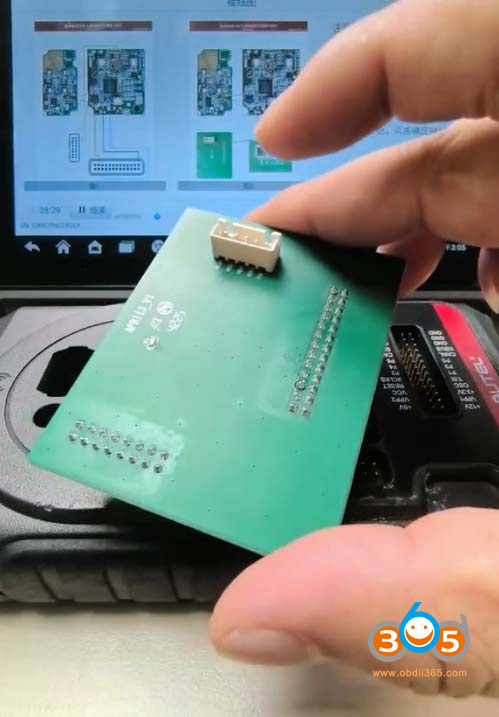
APB113 adapter
*Autel will copy keys without UWB.
Procedure:
Step 1: Read Original Key Data
Read vehicle information.
Go to Control Unit- Smart Key System (CAN)- Smart Key Copy
Press Start button.
Connect XP400 pro programmer.
Place the working key on the xp400 pro induction coil to detect the key.

Note: If the original vehicle key is not successfully identified, the remote control function will fail.
After the key information is identified, the device will display the wiring diagram.
There are 2 types of wiring diagrams:
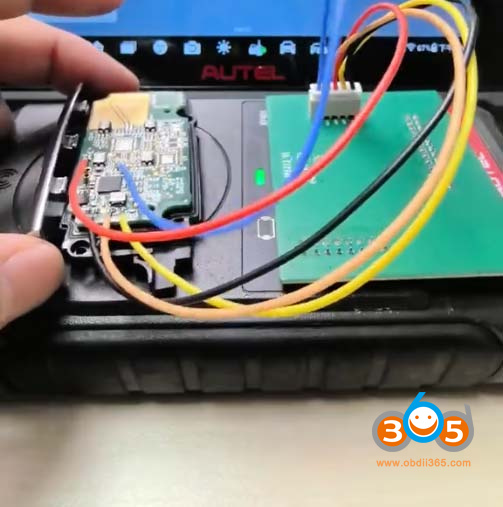
- DIY wiring: The wiring harness length must not exceed 20cm.
- Using APB113 wiring: Provides more stable data reading.

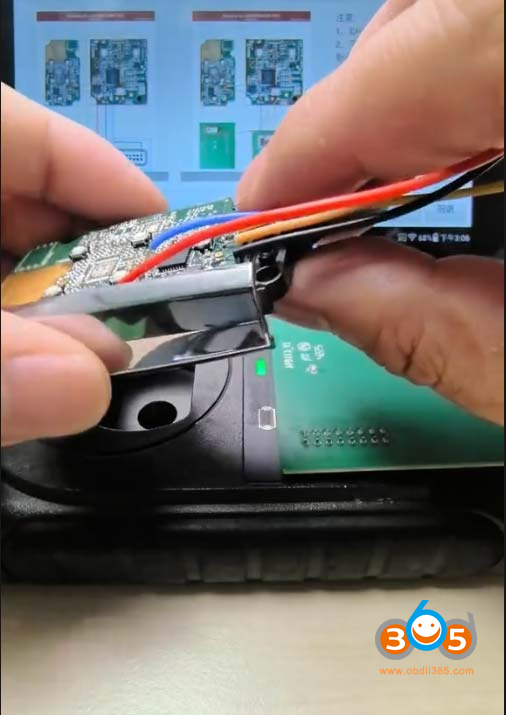
Disassemble the original key.
After connecting the wiring harness, click Confirm to continue reading the key data.


Save original key data.
Step 2:
Generate Autel iKey.
Need to generate ikey before copying.
Select a corresponding remote program and generate ikey.
Step 3: Write key data to ikey
Place the generated autel smart into the XP400 induction area.

Write the key data into the Ikey.
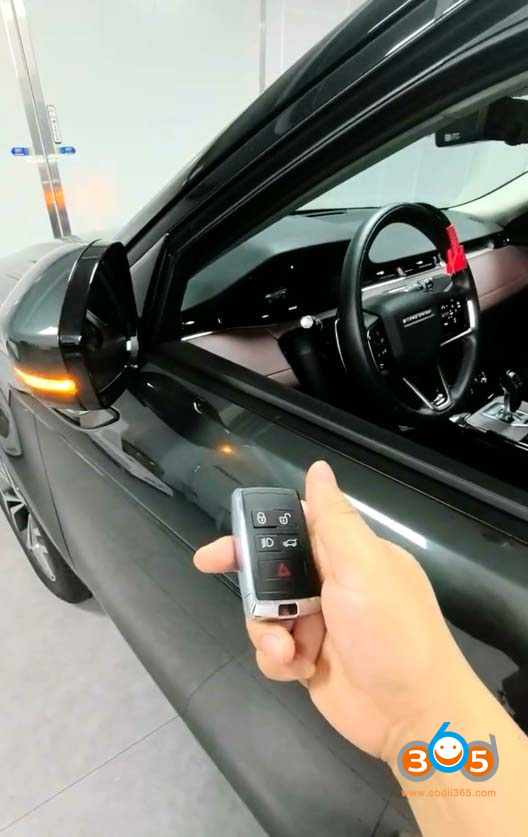
Try repeatedly pressing the unlock/lock buttons on the key until the vehicle responds.
Test remote and keyless function.


No comments:
Post a Comment