Monday, April 12, 2021

Autel IM608 Program old Volvo CEM AKL

 It is nice to know that Autel does Volvo and fine.  Here is some tips to program Volvo older models (remote key) when all keys lost by Autel IM608.


Model example: 

2008 Volvo V50

5 buttons remote key

autel-im608-volvo-cem-akl

Success

all keys lost genuine key programmed including remote functions


How-to:

The genuine key was bought online

brand new genuine remote with barcode (5 buttons). 

Read CEM on the bench

 Learn the remote by obd with the bar code. 

Using IM608 with XP400 (I did read CEM with vvdiprog first as I hadn’t used the xp400 on them before and wanted a backup in case there was any issues but the xp400 read it perfectly)


Sunday, April 11, 2021

Will Autel IM508 virginize BMW CAS3 DME or clone it?

 Question: How to virginize the DME or clone it on 2008 BMW 535XI CAS3 model?


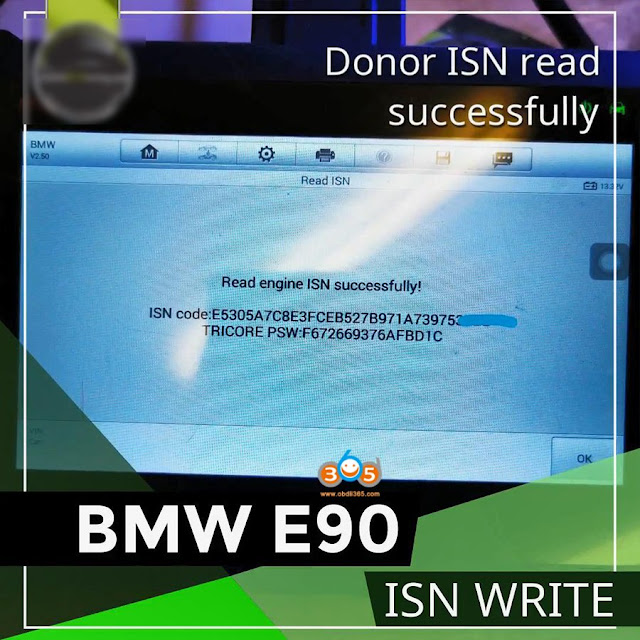
Answer: No need any virginize, just read ISN and write to CAS and sync CAS DME done.   This is what people do in most case.


Option 1. Autel MaxiIM IM508 + GBOX or Autel MaxiIM IM608: No problem

If you have Autel MaxiIM IM508 and also GBOX. These questions are answered in Autel subscriptions. You have to have the gbox to put the msd80/msd81 on BENCH first, this is to read tricore pw. Then note tricore pw and download the flash in BOOT mood this time. After that you can change the DME ISN with active autel sub and using their tools. They have some of the ediabas in the IM508, but they have fully feature encoding with Autel MaxiIM IM608. If you are not flashing a supporting file or the DME you are replacing is the same as original existing. Then you will have to change sop8 eeprom. You can read EEPROM out and change VIN, working hours, possibly vmx/pwrclass (but if i remember right this is located in flash…) If both DME have the same power class, and vmax then you will have adapted the DME partially. The only thing you will be left with is encoding the new VIN. IF ONLY the last 8 of the VIN are different from between, then you are good. IF they are different then you will have to update flash VIN as well with any ediabas setup. IF power class if different you must 0 working hours and change power class with bmw “standard tools”.
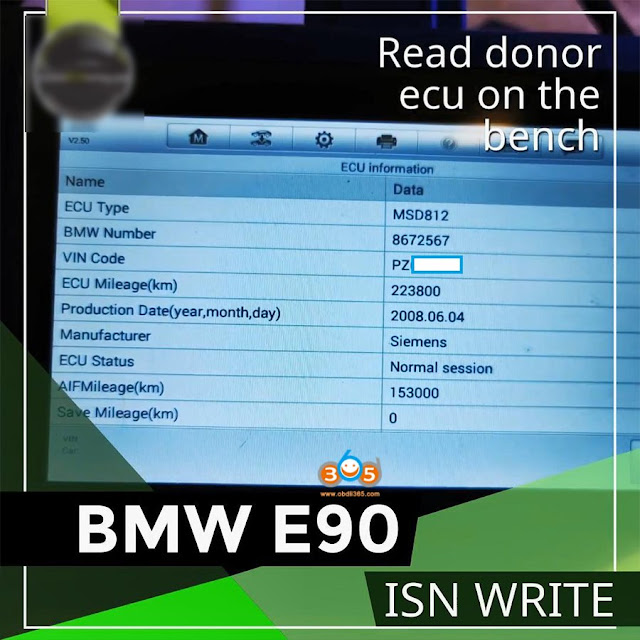
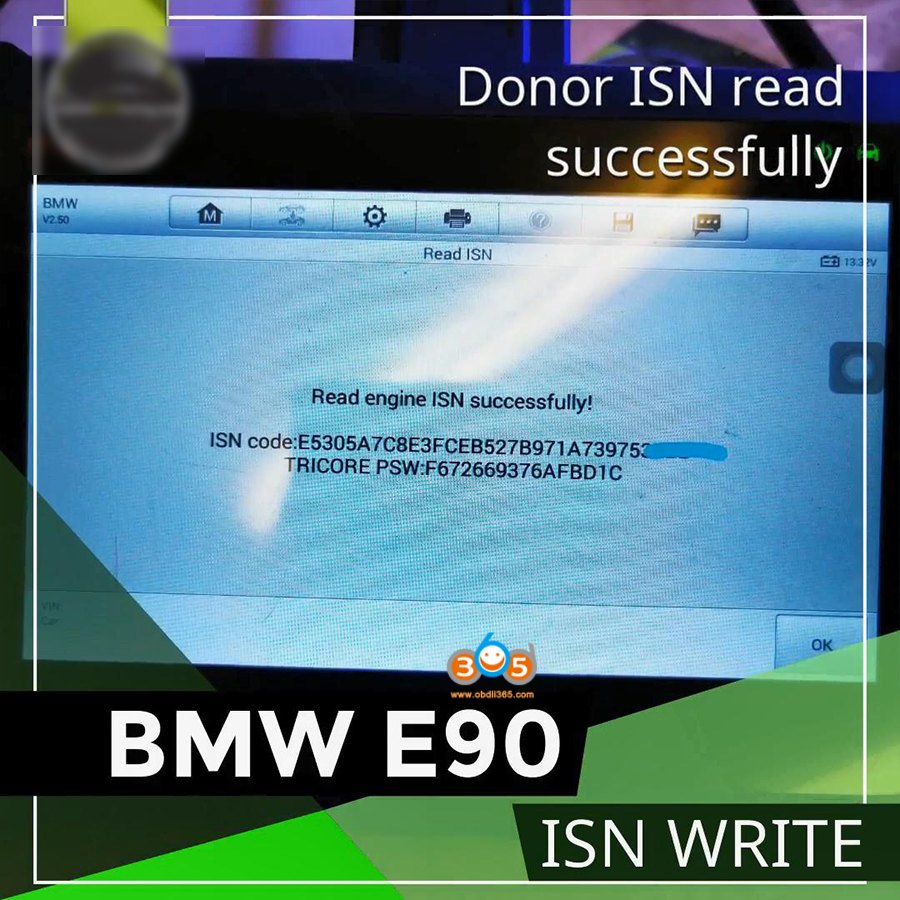
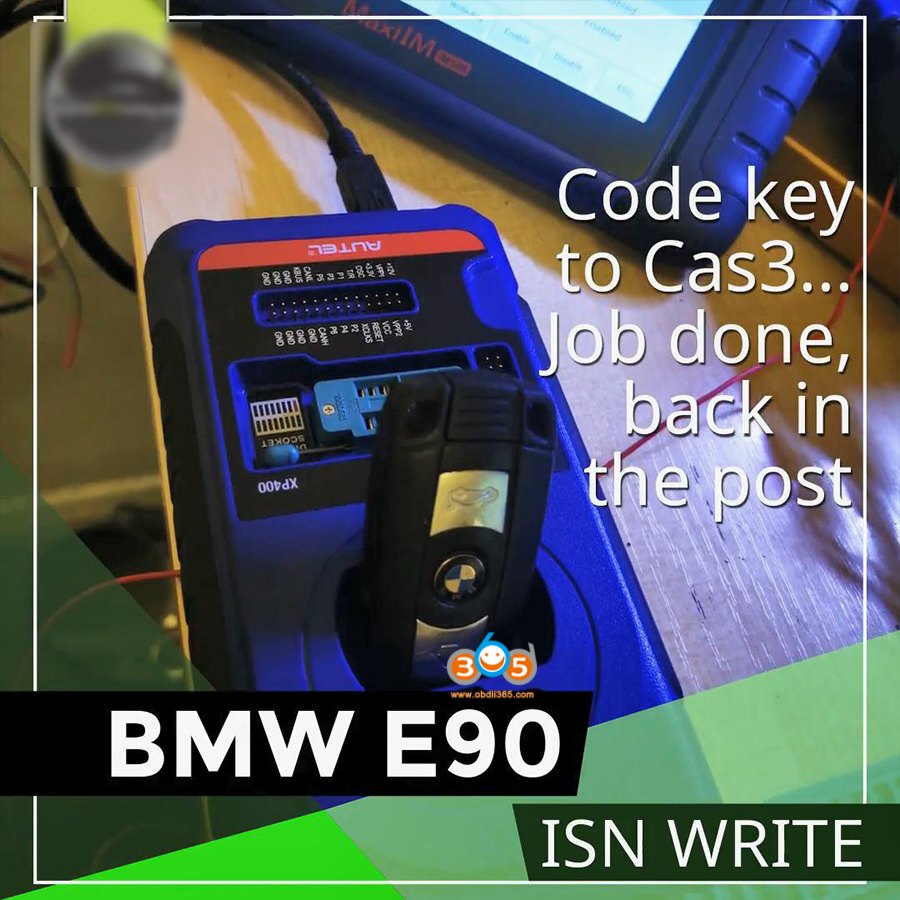
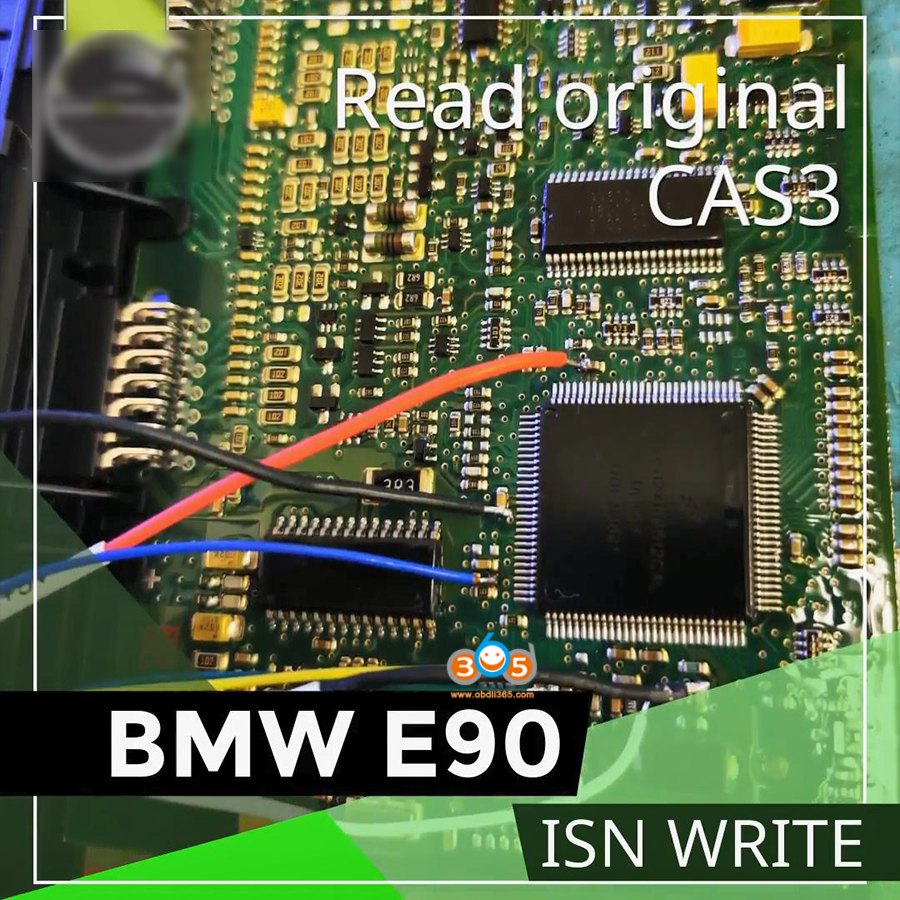
autel-im508-read-write-bmw-cas3-isn-1

autel-im508-read-write-bmw-cas3-isn-2

autel-im508-read-write-bmw-cas3-isn-3

autel-im508-read-write-bmw-cas3-isn-4

autel-im508-read-write-bmw-cas3-isn-5

autel-im508-read-write-bmw-cas3-isn-6

autel-im508-read-write-bmw-cas3-isn-7


Option 2. Yanhua Mini ACDP host plus Module 1 for CAS: No problem

Easy way to replace DME for cas3/3+/3++ cars. No soldering.

No need to do DME clone.

Only reads the donor DME ISN, then write the ISN into the CAS3 via OBD or ICP!


Guide: Read the ISN from the replacement second-hand (used) DME and write this ISN into CAS module by OBD or ICP mode.
After ISN is written into DME, the original car key can still be used on this vehicle normally.

autel-im508-virgin-bmw-cas3-dme


For the detailed guide, please follow this article:

http://blog.obdii365.com/2021/03/18/how-to-replace-bmw-cas3-dme-with-yanhua-mini-acdp/


However, some people hold the opposite opinion, you can read it for reference:

Can’t just write isn to CAS in every case, most you shouldn’t ever change CAS ISN.

Issue is down the road when your customer is lost keys again with a issue at dealer. The dealer doesn’t like when you modify something in a way they wouldn’t. And if you change ISN then, if lost keys found, customer upset. Also you are taking a big load of work by having to find exact compatible DME. Trans/Powerclass/Vmax/Vin/ZB da da da da da. To do the job a proper way, is not writing new ISN to CAS. CAS modules REARLY fault when they are virgin and it is the ID of the car and shouldn’t be modified for just a lost key.


ISTA cannot change power class, vmax, or working hours though. ISTA will register a new vin in-series BUT to pass an emissions inspection, you must change in eeprom.. Proof of concept take two MSD81, both same ZB (good luck), change the VIN with ista in one, and compare them in HEX. Or take any certified scan tool and do a VIN read out. Vin read out 1 is OG vin to DME and VIN readout 2 is VIN of CAS


Hope it helps!


www.obdii365.com

Wednesday, April 7, 2021

Autel IM608 SPS Programming E4403 Server Error Solution

 Problem:

I tried to do GMC Acadia 2008 online programming via SPS (Service Programming System) with Autel MaxiIM IM608. But IM608 showing this dialog:

Service Programming System
E4403: Server error: Reading VIN from device or controller failed.

autel-im608-sps-e4403-server-error


Solution:

It was browser problem.

Before this step you have to install java while installing will ask you to go with j2534 or skip.

Don’t skip you have to be sure fully installed.

You have to use internet explorer don’t use google chrome or normal windows browser.

Open explorer in admin mode to be able to update the j2534 wrapper and problem solved.

Any step have problem go complete out and start again


FYI:

GM SPS Programming is part of autel im608 programmer use. Require to login ACDelco TDS for subscription of Service Programming System.

Currently there is a $40 subscription to the “Vehicle Programming Software” which includes a 24 month access to program all modules for a single VIN.

Wednesday, March 31, 2021

Autel IM608 IM508 How to Find Files Data Saved

 With the Autel MaxiIM IM608 or IM508 you can read and backup data ether diagnostically or with the programmer.

Here is the guide of how to find it once saved and export data from MaxiIM to laptop.

Go to Home menu.
Open ES File Explorer ->Scan folder->sdcard folder->Scan folder-> UserData folder

autel-im608-im508-find-data-1

autel-im608-im508-find-data-2


autel-im608-im508-find-data-3

autel-im608-im508-find-data-4

autel-im608-im508-find-data5

Here is where data exists.
Go to Programmer folder,
autel-im608-im508-find-data-6]
autel-im608-im508-find-data-7
You can see chip data saved.
Mount the data you desired to export
Insert USB disk into IM608/IM508

autel-im608-im508-find-data8


Go to usb folder

autel-im608-im508-find-data-9
autel-im608-im508-find-data-10


Paste the data here (usb folder)

autel-im608-im508-find-data-11

autel-im608-im508-find-data-12


Then insert usb disk to laptop and export data to PC.

autel-im608-im508-find-data-13


 https://www.obdii365.com/service/find-files-backups-chip-data-in-autel-im608-im508.html


Can Autel IM608 do Odometer Correction?

 As titled, the question is frequently asked by IM608 newbies and lots of them will say no.


The conclusion is Yes, Autel MaxiIM IM608 will do mileage correction.

All it takes to change mileage is to read eeprom or mcu and then edit the file. Most of the Odometer software you see is just a mileage calculator, you tell the program what mileage you want and it tells you what line and what letters/numbers to put in the lines.
Then open up her editor on the im608 and then edit the lines in the file with the info the calculator gave you.
There are many reason mileage needs to be corrected. Mainly with instrument cluster swaps.
So yes the im608 can read the eeprom/mcu on the cluster and use her editor to edit the file and then use im608 to right the file back to the chip.


Customers have successfully used the im608 to change mileage on several cars.

Example: 

Mercedes Vito 639 EIS odometer correction manually – CGPro failed write. Autel XP400 works.

Replacement of the Mercedes EIS or ignition switch is fairly common.

On this type of Vito 639 EIS there are 2 separate chips holding important information. These are 1L02M HC08 processors.

Sometimes you need to deal with a car with either no EIS (it’s usually been stolen) or it is totally dead so cannot read original info. And in some cases you just need to modify the mileage.

I have managed to manually find and edit mileage data in and EIS from a Mercedes Vito 639, CG Pro is meant to have the capability to carry out this work but constantly fails to write. I think it is to do with it not automatically changing the security bytes, but it also has no info regarding them so isn’t really much use.

The Autel XP400 however works perfectly. People do not see this as a mileage correction tool. That is because it does not come with the software or calculators required, but at the end of the day it is a programmer that reads and writes plenty of chipsets so can be used for a wide variety of things.

autel-im608-mileage-correction-1

autel-im608-mileage-correction-2

autel-im608-mileage-correction-3

autel-im608-mileage-correction-4

autel-im608-mileage-correction-5

autel-im608-mileage-correction-6

www.obdii365.com

Tuesday, March 30, 2021

Program 2008 Range Rover All Keys Lost by Autel IM608

 2008 Land Rover Range Rover all keys lost successfully programmed by Autel IM608 and XP400.

HU92 blade, ignition on column/dash
Lear immo box key by dump confirmed, mask MC9S12DG128  3L40K
 
it was HU92 BMW style blade hu101 is the CEM. But it's underneath center speaker on dash
 
Range rover sport cem behind the glove compartment while range rover HSE is under center speaker on dash
 im608-range-rover-2008-akl-1
im608-range-rover-2008-akl-2
im608-range-rover-2008-akl-3

im608-range-rover-2008-akl-4

im608-range-rover-2008-akl-5
 
FYI: Zed-full will do this job as well. Easy by removing eeprom.

Sunday, March 28, 2021

Autel XP400 Failed to Write EWS3 Key Solution

 Problem:

Has anyone tried writing a key to an EWS3 module using the autel xp400 pro? I bought the eeprom expansion pack specifically to bench EWS modules but the adapter provided for the 0D46J doesn’t fit due to the lack of clearance with a relay on the board.  I could only read/write the bin for the chip itself. It wouldn’t let me write the key to it. Am I missing something here?


Solution: 

The adapter in the kpa set appears to just plug in and read, no need to clamp directly over the mcu.
It cannot write key because you just went by chip, you need to go make key by dump.

Save a new bin, then upload to perform the write via dump and finally succeed.

Check which adapter to use to read EWS3?

autel-xp400-pro-bmw-ews3-1

autel-xp400-pro-bmw-ews3-2


Ak90 or xprog is the way to go on these.