
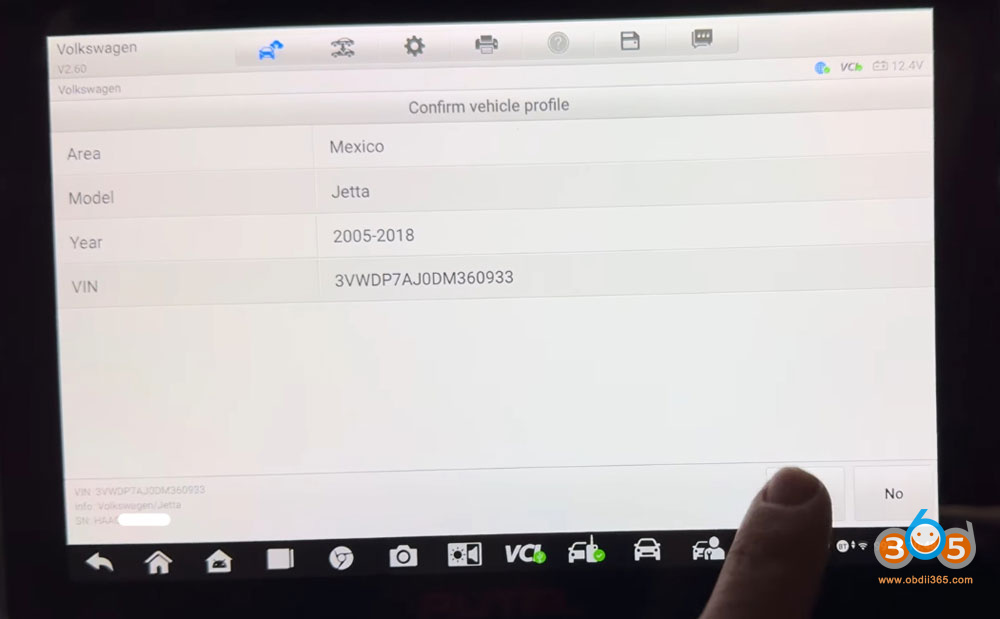
How to successfully program new keys for a 2013 Volkswagen Jetta Continental NEC24C64 cluster after all keys were lost. The process utilizes the Autel IM608 PRO II tablet and the Godiag GT110/GT115 VW bench platform to interface directly with the vehicle’s instrument cluster.
Initial Setup and Connection
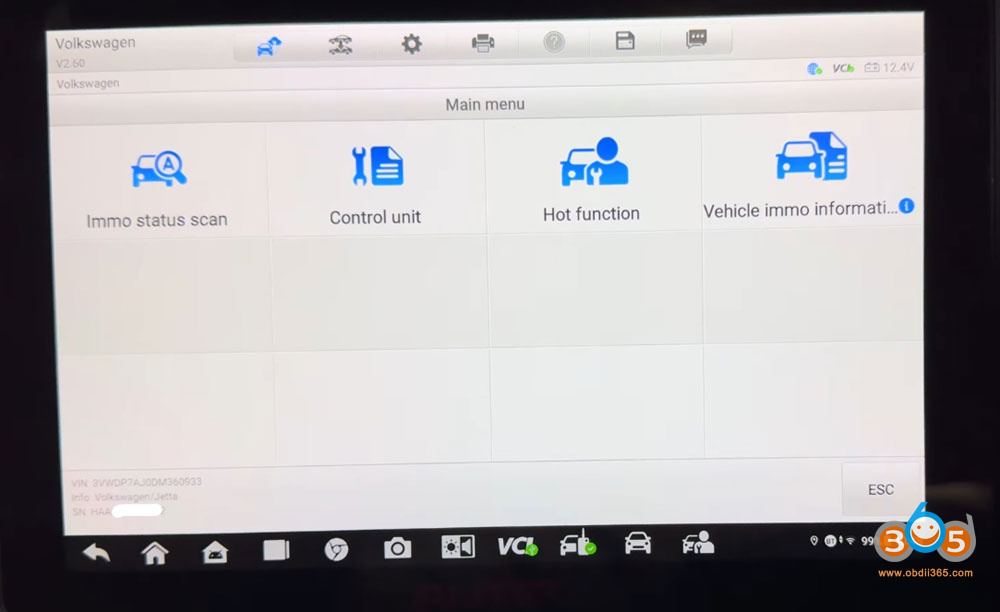
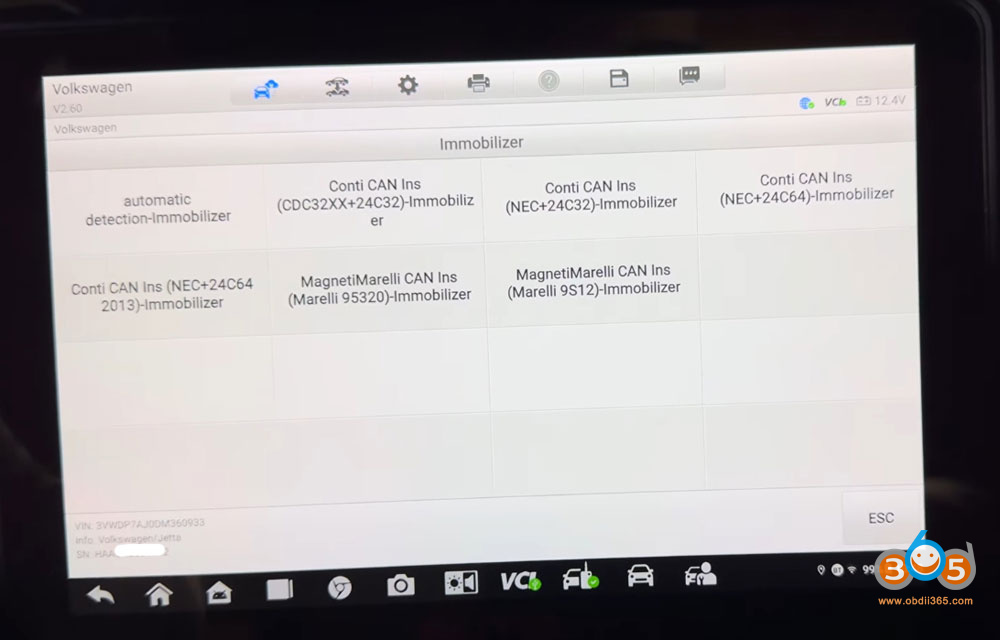
We begin by accessing the vehicle’s immobilizer system through the Autel IM608. Using the automatic selection feature, the tool identifies the correct control unit. Since this is an all-keys-lost scenario, the Gbox (likely a component of the bench setup) is used to enter service mode on the cluster.
A critical step involves identifying the correct pogo pin connection point on the back of the instrument cluster. We notes that while the Gbox provides a diagram, the specific Jetta cluster differs from the illustration.


Entering Service Mode and Reading Data
With the correct pin located, the process begins:
Power off the cluster using the silver button.
Hold the pogo pin down on the designated contact point.
Press the silver power button and listen for a click, indicated by a flashing light, confirming the cluster is in service mode.
Keeping the pin held, we presses “OK” on the Autel, initiating communication. The cluster screen goes black, and data reading begins.
Once the data is read back successfully, a screenshot is taken to record the CS code for future reference.


Make Dealer Key
Using two “vvdi super chips,” the technician proceeds to generate keys:
The first chip is placed in the programming coil.
Using the Autel’s “Make Dealer Key” function, the first key is successfully generated.
The process is repeated with the second chip using the “Make Another Dealer Key” function, resulting in two programmed transponder chips.


Learn Key
The first chip is placed in the ignition coil.
We navigate to the “Key Learning” function on the Autel, confirming it is not a smart key, and indicates that two keys will be learned.
Following the on-screen prompts, we use the red ignition button. The first key is learned, indicated by a blue flashing light.
The first chip is removed, the second is inserted, and the process is repeated. The ignition is cycled off and on, and the blue light confirms the second key is learned.
The system confirms “Key learning complete.”
After exiting the programming mode by pressing the red button in a specific sequence (counting to five), the cluster returns to normal operation. The job is complete, and we note that once the physical keys are cut and the cluster is reinstalled in the car, it will start immediately.


No comments:
Post a Comment