
If you own a 2015–2020 Chevy Tahoe (or Suburban) and your push-to-start smart proximity key has stopped working — or you simply need to add a spare — the issue is often resolved by programming a new key. Here we will show the steps to add a smart key, including where to place the key and how to handle the 12‑minute waiting period using Autel MaxiIM IM508 key programmer.
Before You Begin: Locate the Sensing Pocket
The most critical first step is knowing where your vehicle’s sensing pocket is.
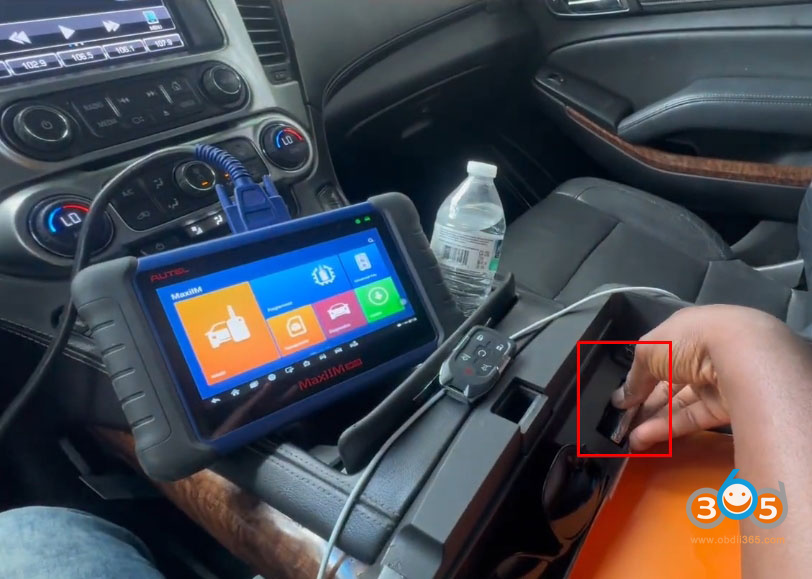
In the Chevy Tahoe (2015–2020), the sensing pocket is typically located inside the center console or at the bottom of the front storage area.
Why it matters: If your key fob battery is dead, inserting the key into the sensing pocket allows the vehicle to detect it.
For programming: The new key must be placed in this same pocket when the programmer instructs you to do so.
The example uses a 6‑button smart key fob with proximity/push‑button start.

Step 1: Connect the IM508 and Identify the Vehicle
Connect the IM508 to the vehicle’s OBD2 port.
Turn the ignition on (press the start button without pressing the brake, or use the original key if available).
On the IM508, navigate:
America → VM → Automatic selection
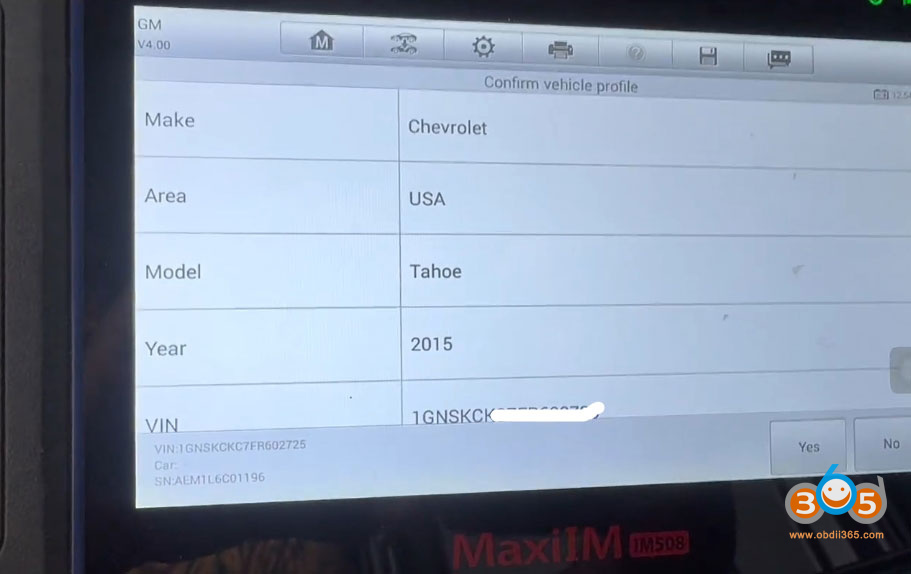
Confirm the vehicle: Chevy Tahoe 2015 (the procedure applies to 2015–2020).

Step 2: Enter the “Hot Function” Menu
From the main menu:
Select Hot Function → Add Smart Key Guided.
The programmer will ask you to switch the ignition off and then on again. Follow the on‑screen prompts exactly.


Step 3: Read the PIN Code
The IM508 will now read the vehicle’s PIN code (requires an internet connection). This typically takes about one minute.
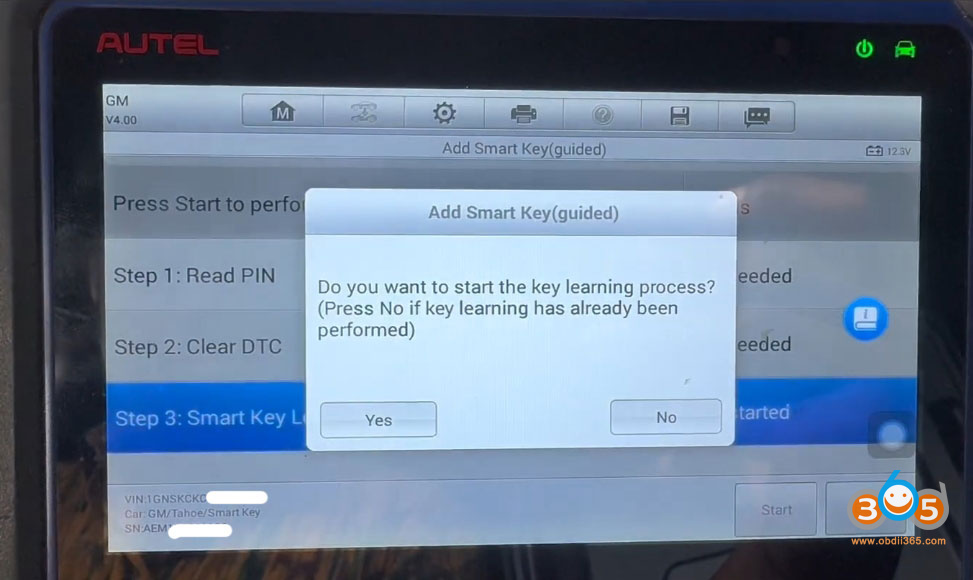
Once the PIN is successfully read, the tool will offer to clear any DTCs (diagnostic trouble codes). Do this before proceeding.


Step 4: Learn the New Key
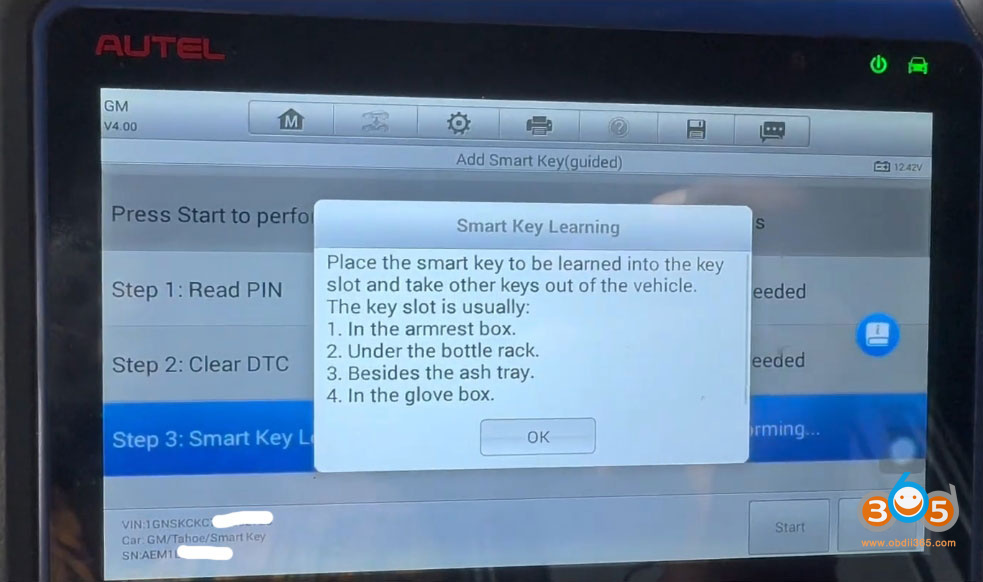
When prompted, click OK to begin learning the key.
Place the new smart key into the sensing pocket exactly as shown/described.
In the walkthrough, the technician noted that sometimes you must hold the key in place for the vehicle to detect it during programming.
Click OK on the programmer.

Step 5: The 12‑Minute Wait
The vehicle’s security system requires a 12‑minute waiting period during programming.
The IM508 will display a progress percentage (e.g., 0% → 80% → 90%).
Do not interrupt the process. You can disconnect the programmer briefly if needed, but reconnect before it reaches 100% to finalize.


Step 6: Completion and Testing
After the wait:
The tool will confirm: “Key programmed.”
Remove the key from the sensing pocket.
Test the remote functions (lock/unlock) and push‑button start.
In the original walkthrough, the procedure successfully programmed a replacement smart key for a 2015 Chevy Tahoe — which applies directly to model years 2015 through 2020, including the Chevy Suburban.

Important Notes
Original key condition: If the original key’s remote doesn’t work, you can still use it to turn on the ignition (by placing it in the sensing pocket).
Battery dead? The sensing pocket allows detection even without a working fob battery.
Internet required: The IM508 needs an active internet connection to read the PIN.
Patience: The 12‑minute wait is mandatory and cannot be bypassed on these GM vehicles.
Final Verdict
Using the Autel IM508 (or similar high‑end programmer), adding a new smart key to a 2015–2020 Chevy Tahoe is straightforward if you follow the guided steps — especially knowing the sensing pocket location and respecting the 12‑minute security delay. Once programmed, both remote functions and proximity start will work normally.
www.obdii365.com

No comments:
Post a Comment